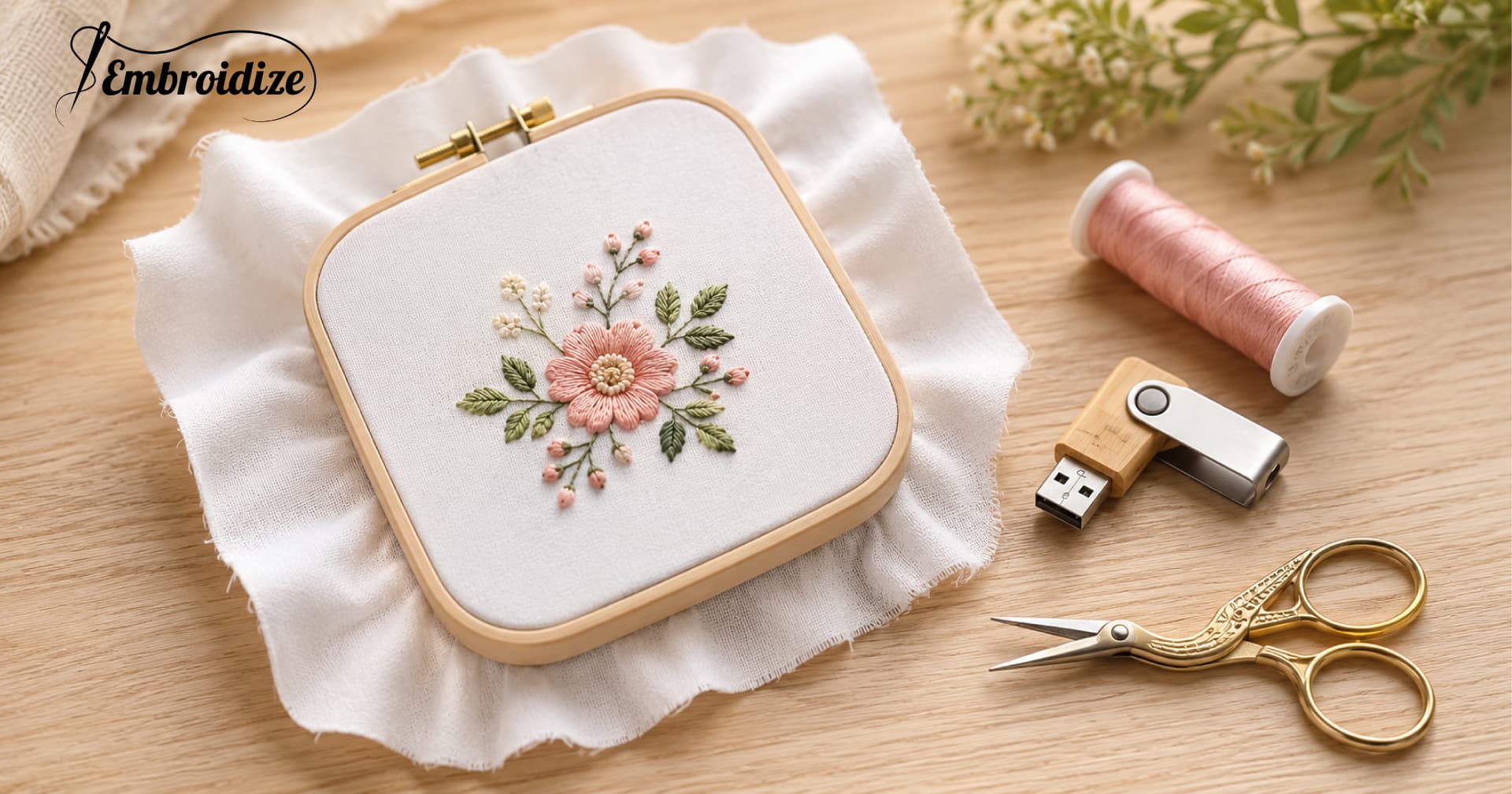
Finding the right free embroidery designs for beginners is the first real challenge in machine embroidery. Most designs either look too complex, come in the wrong file format, or produce poor stitch results on entry-level machines — leaving new embroiderers frustrated before they even get started.
This guide solves all three problems. You will learn exactly what makes an embroidery design beginner-friendly, which design categories work best for first projects, how to load a design onto your machine, and where to download free beginner embroidery patterns that are ready to stitch — no hidden fees, no format confusion, no licensing risk.
What Makes an Embroidery Design "Beginner-Friendly"?
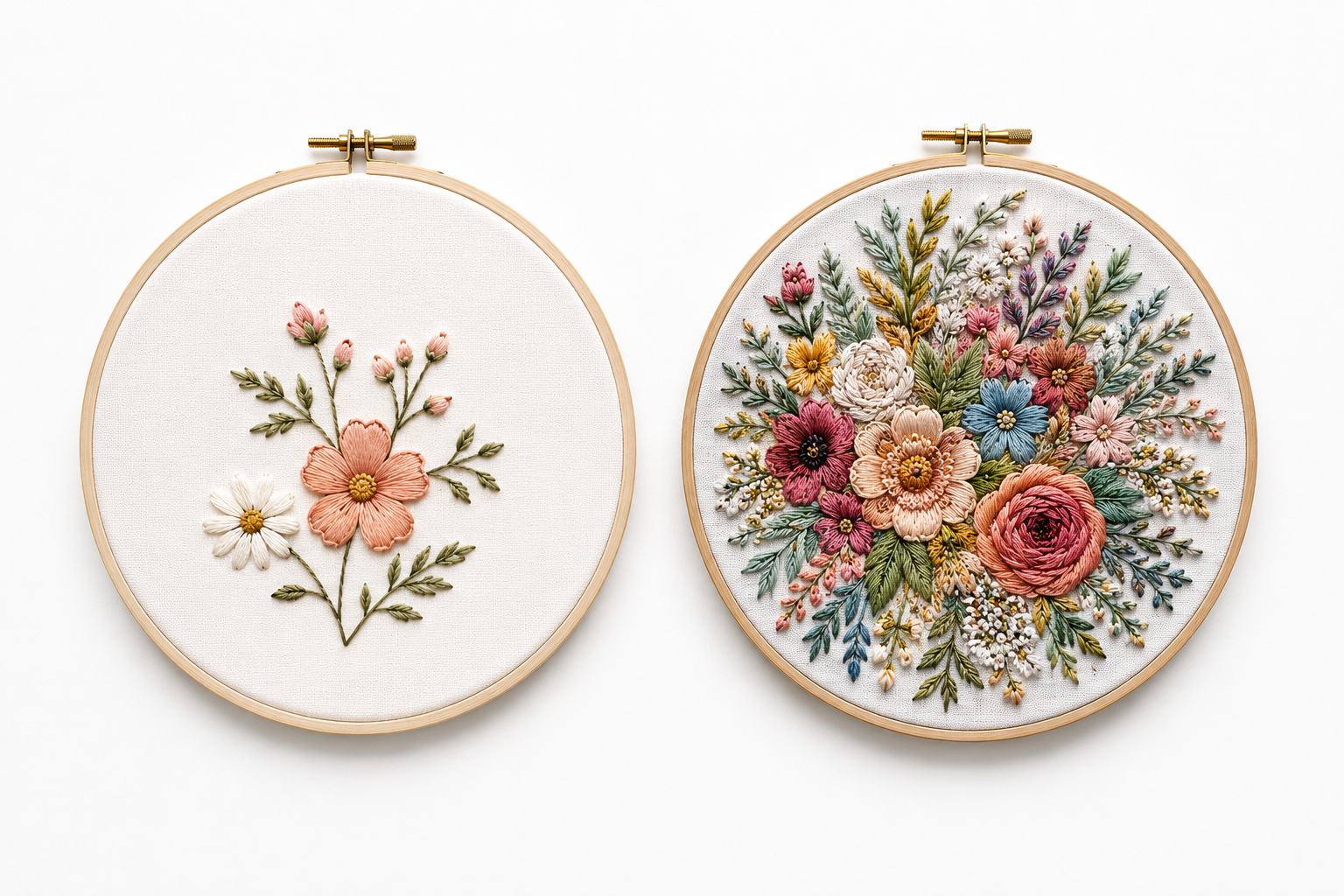
Not every free design is suitable for someone just starting out in machine embroidery. A design that looks simple on screen can be a nightmare to stitch if it was poorly digitized or too complex for an entry-level machine. Here is what to look for:
1. Low Stitch Count
Designs with fewer stitches finish faster and leave less room for error. For easy machine embroidery designs, look for designs under 15,000 stitches. These stitch out in 10–20 minutes and use less thread, making mistakes easier and cheaper to manage.
2. Simple Color Sequence
Every color change requires stopping the machine, changing the thread, and restarting. Designs with 3 colors or fewer are ideal when starting out. Complex multi-color designs come later once you are comfortable with the full process.
3. Clean Outlines and Defined Shapes
Designs with crisp edges and clear shapes — simple animals, flowers, monograms, or geometric patterns — are far more forgiving than detailed photorealistic designs. Clean outlines hide small tension variations that are completely normal during the learning phase.
4. Professionally Digitized Files
A design that looks beautiful as an image can stitch terribly if it was digitized poorly. Signs of bad digitizing include thread breaks, puckering, loose stitches, and misaligned colors. Always download beginner embroidery patterns from a source that tests designs before publishing them.
5. Sized for a 4×4 or 5×7 Hoop
Most entry-level embroidery machines support a 4×4 inch hoop as their standard size. Starting with designs sized to fit this hoop means no resizing, no conversion headaches, and no "design too large" errors on your first projects.
Best Design Categories for Beginners
Some design categories naturally suit beginners better than others. Here are the best starting points for anyone new to machine embroidery:
Simple Florals
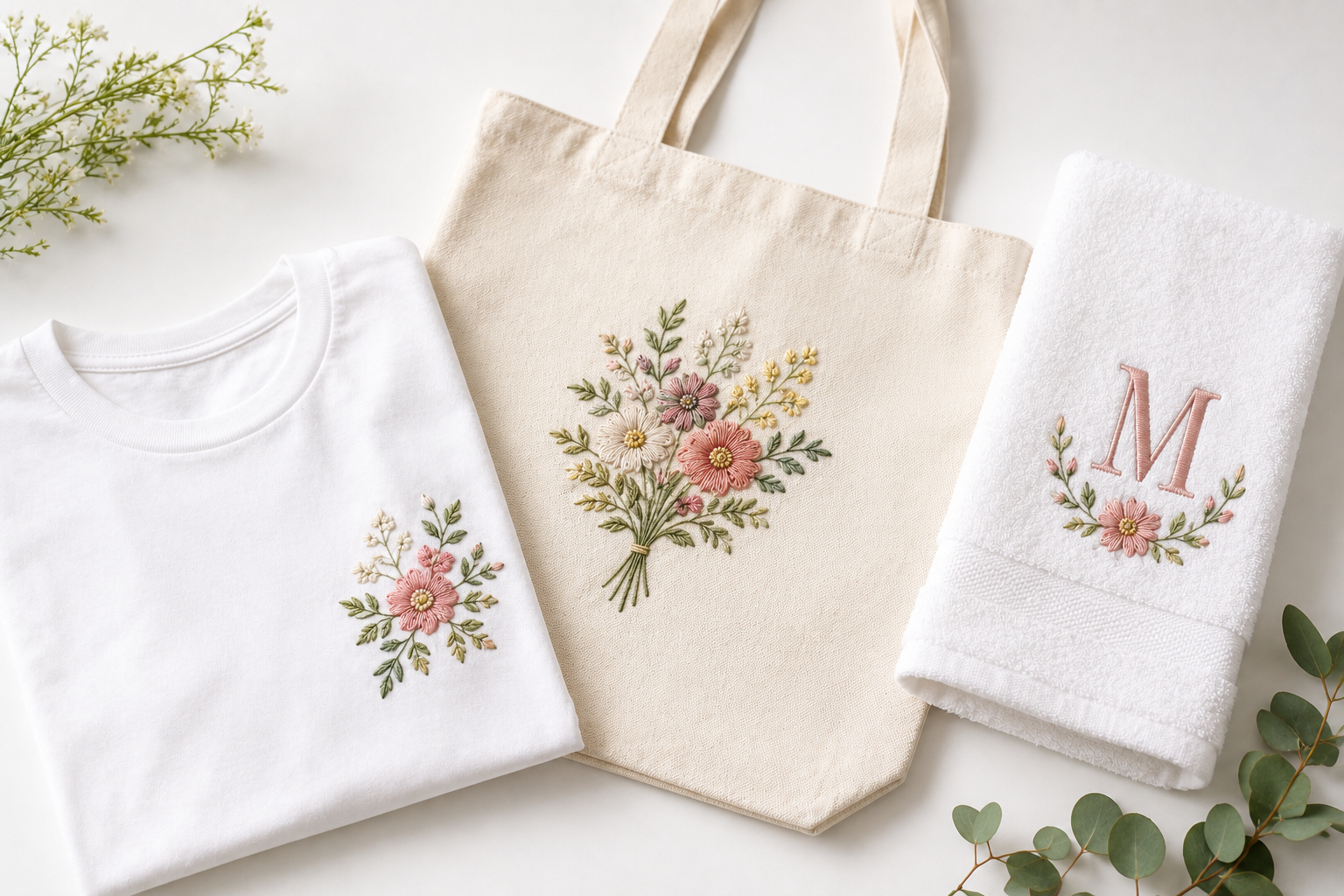
Single flowers, small bouquets, and leaf designs are classic first projects. They have natural shapes that hide slight tension variations and stitch beautifully on almost any fabric. A simple daisy or rose in a 4×4 size is one of the best easy embroidery designs to start with.
Browse free floral embroidery designs on Embroidize
Minimalist & Outline Designs
Line art and outline-only designs have low stitch counts, fast stitch times, and clean results. They work well on T-shirts, tote bags, and baby clothing — the most common beginner projects — and are some of the most popular beginner embroidery patterns available today.
Free embroidery designs for T-shirts and apparel
Single Letters & Monograms
A single embroidered letter is one of the fastest and most satisfying first projects. Monograms are extremely popular on towels, bags, and clothing — and they sell well if you eventually want to offer custom embroidery services.
Small Animals & Characters
Simple animal designs — a small bird, a cat silhouette, a baby elephant — are fun, approachable, and forgiving. Look for designs with bold shapes and minimal fine detail for the cleanest results on your first attempts.
Seasonal & Holiday Designs
Small Christmas trees, Halloween pumpkins, or Easter eggs are excellent beginner designs. They are simple, recognizable, and motivating — seeing a clean holiday design stitch out on your first try is a great confidence booster and a natural first step toward selling finished products.
What File Format Do You Need?
Before downloading any free machine embroidery design, you need to know your machine's compatible format. Using the wrong format means your machine will not recognize the file at all.
| Machine Brand |
Most beginner machines are Brother or Baby Lock — so PES is the most commonly needed format. Every design on Embroidize includes PES alongside all other major formats, so you download once and always have the right file for your machine.
Free DST embroidery designs for commercial machines
Understanding Hoop Sizes as a Beginner
One of the most confusing things for new embroiderers is hoop sizes. Here is the essential information every beginner needs to know:
Hoop Label vs. Actual Stitching Field
The size printed on your hoop is not the size you can stitch. The actual stitching area is always slightly smaller because the needle and presser foot need clearance space inside the hoop frame.
| Hoop Label |
Practical rule for beginners: If both dimensions of your design are smaller than your machine's actual stitching field, the design will fit. Check the size chart on every Embroidize product page before downloading — each page lists all available sizes in inches and millimeters.
Which Hoop Size Is Best for Beginners?
The 4×4 hoop is the standard starting point. It comes included with most entry-level machines and is perfect for:
- Small apparel designs (chest logos, sleeve accents)
Once you are comfortable with the 4×4 hoop, moving up to a 5×7 opens a much wider range of projects and design options.
How to Transfer and Load a Design — Step by Step
Once you have downloaded a free embroidery design from Embroidize, here is how to get it onto your machine:
Step 1 — Download the correct format Select your machine's format (PES for Brother/Baby Lock, JEF for Janome) from the download page on Embroidize.
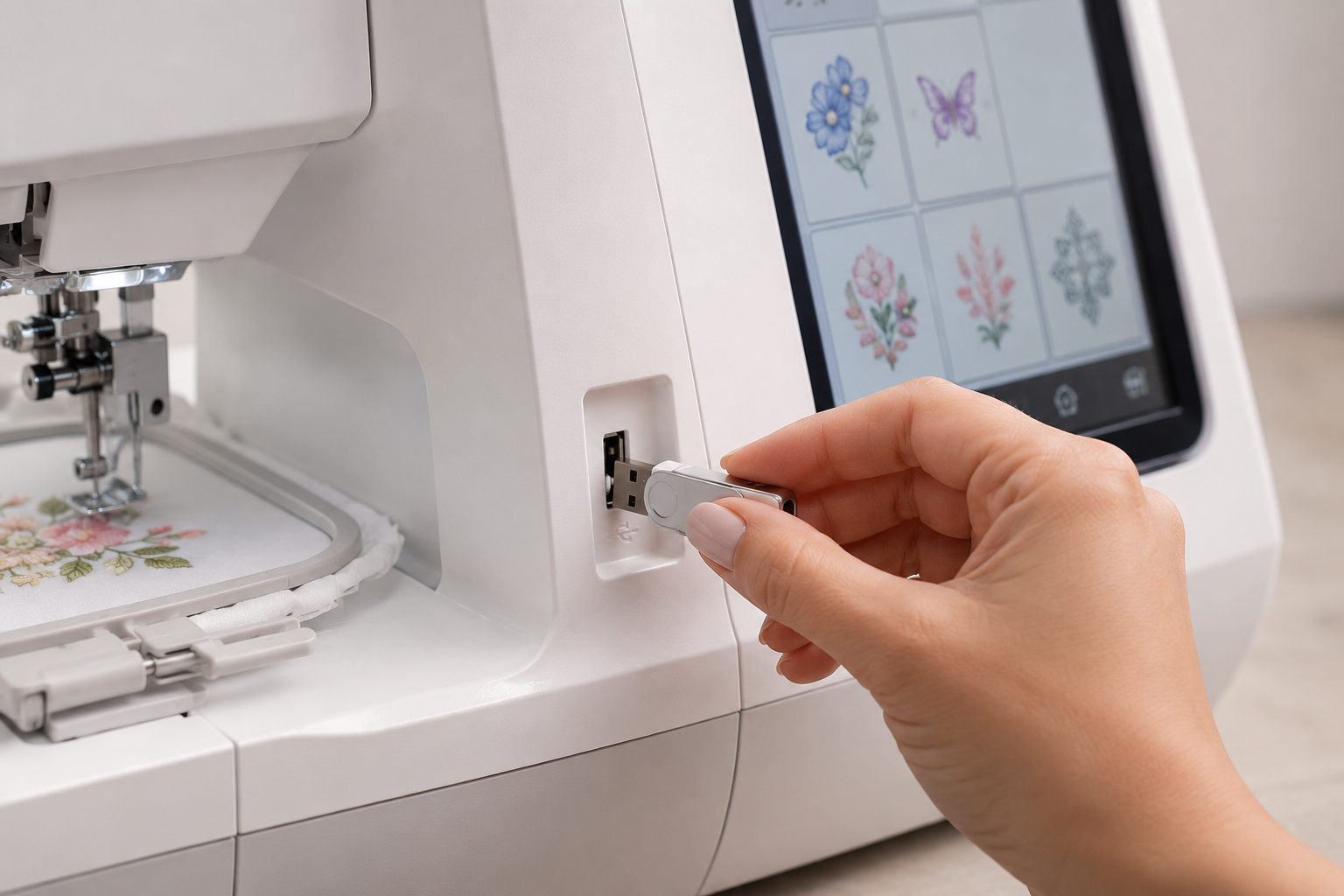
Step 2 — Save to a FAT32-formatted USB drive Most USB drives come pre-formatted correctly. Place the design file in the root folder of the USB — not inside any subfolder — or your machine may not find it.
Step 3 — Insert the USB into your machine Power on and navigate to the design selection menu. Select your downloaded design from the USB.
Step 4 — Select the correct hoop Confirm the hoop size on your machine matches the design dimensions. Your machine will alert you if the design is too large for the selected hoop.
Step 5 — Hoop your fabric and stabilizer Pull the fabric drum-tight in the hoop — no wrinkles, no slack. Attach the hoop to the machine arm and you are ready to stitch.
Step 6 — Always do a test run on scrap fabric first Always stitch your design on scrap fabric before using your final material. This reveals tension issues, color sequence problems, or alignment errors before they affect your actual product.
Full beginner download guide — How to Download Free Machine Embroidery Designs
Stabilizer Guide for Beginners
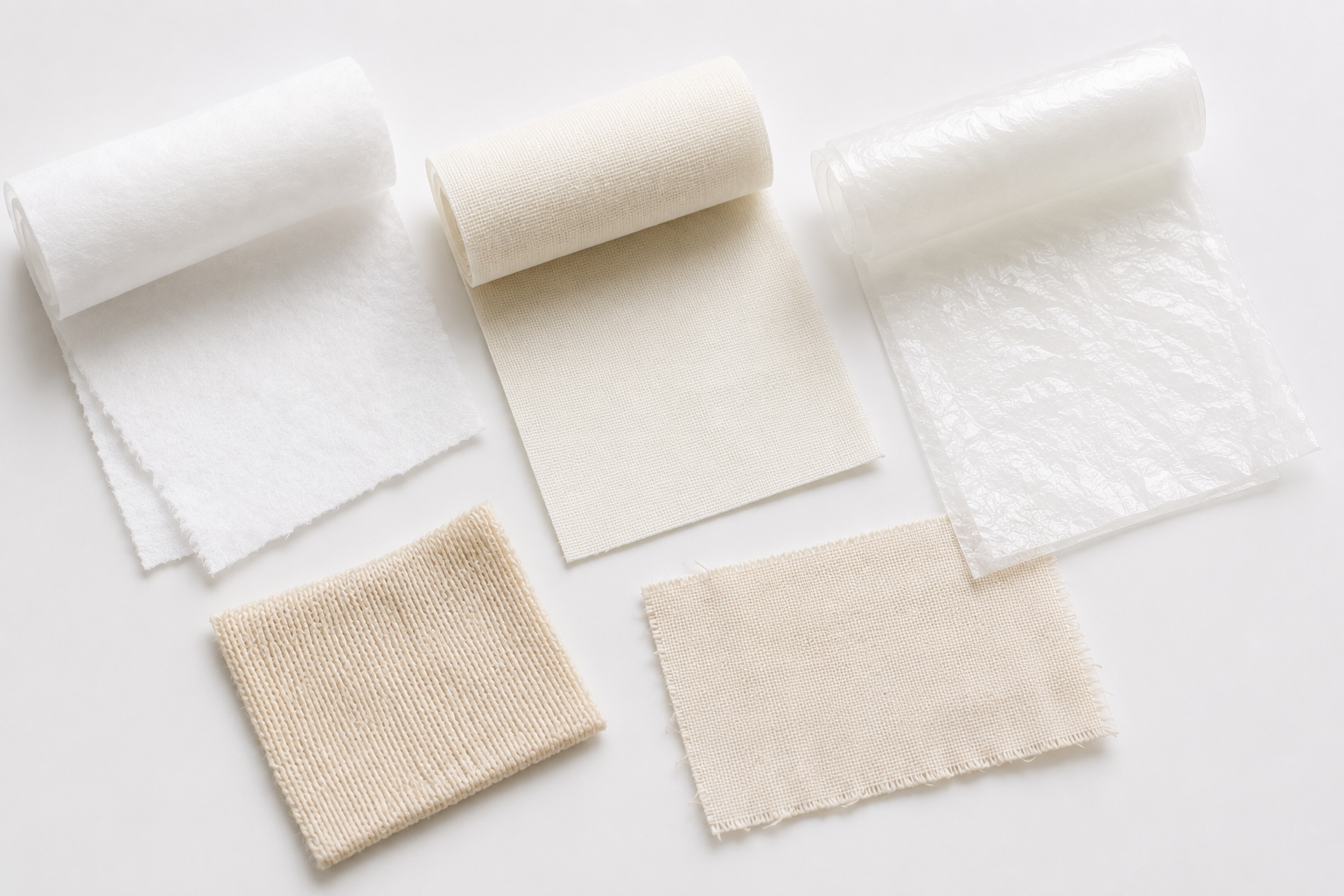
Choosing the wrong stabilizer is one of the most common beginner mistakes. The right stabilizer has more impact on stitch quality than almost anything else.
Here is a simple reference:
| Fabric Type |
General rule: Use tear-away for stable woven fabrics. Use cut-away for anything stretchy or knitted. When stitching on towels or high-pile fabrics, always add a water-soluble topping on top of the fabric to prevent stitches from sinking into the pile.
Free Beginner Embroidery Designs on Embroidize
Embroidize offers thousands of free machine embroidery designs across all skill levels — including many that are ideal as beginner embroidery patterns.
Every design is:
- Professionally digitized — tested before release, not just uploaded from unknown sources
Best Categories for Beginners on Embroidize
Floral & Botanical — Simple flower designs with clean shapes and low stitch counts. Perfect first projects that stitch beautifully on almost any fabric.
Animals & Pets — Cute, bold animal designs that stitch cleanly and are forgiving of small tension variations.
Minimalist & Line Art — Outline-only designs with fast stitch times and crisp, clean results on T-shirts and bags.
Monograms & Fonts — Single letters and simple text for quick, satisfying first projects.
Seasonal & Holiday — Small themed designs that are fun, fast, and motivating for anyone just starting out.
Can I Sell Products Made With These Designs?
Yes. All designs on Embroidize allow commercial use on finished embroidered products. This means you can stitch a design onto a T-shirt, bag, hat, or any physical item and sell that finished product freely — on Etsy, through your own shop, to clients, or in bulk orders.
Important: The design files themselves cannot be resold, shared, or redistributed on any platform. Commercial use covers finished physical goods only — not the digital files.
Many people start with free beginner embroidery patterns while learning and grow into a full embroidery business over time.
How to start a small embroidery business with free designs
Best free embroidery designs for Etsy and Shopify shop owners
Common Beginner Mistakes — and How to Avoid Them
Skipping the test stitch Always stitch on scrap fabric first. Every new design, every new fabric type, every new stabilizer deserves a full test run before you commit to final material.
Using the wrong stabilizer Stabilizer choice has more impact on stitch quality than almost anything else. Match your stabilizer to your fabric type — not to your design.
Downloading the wrong file format Always check your machine's compatible format before downloading. Most beginners with Brother machines need PES — not DST or JEF.
Hooping too loosely Fabric that is not drum-tight in the hoop will shift during stitching, causing misalignment, puckering, and registration errors. Hoop firmly every single time.
Starting with overly complex designs A design with 50,000 stitches and 12 color changes is not a beginner project. Start with simple, low-stitch-count easy embroidery designs and build confidence before tackling complex work.
Not cleaning the machine regularly Lint builds up under the needle plate after every few projects. Regular cleaning prevents thread breaks, tension problems, and skipped stitches that beginners often mistake for design or file problems.
FAQs: Free Embroidery Designs for Beginners
What is the easiest type of embroidery design for beginners?
Simple outline designs, single florals, monograms, and small animals with bold shapes and low stitch counts are the easiest starting points. Look for easy machine embroidery designs under 15,000 stitches with 3 colors or fewer.
What hoop size should a beginner use?
The 4×4 hoop is the standard starting point. It comes with most entry-level machines and fits a wide range of beginner projects including apparel logos, monograms, and small decorative designs. Read the full 4×4 embroidery designs guide for more detail.
What file format do I need for my machine?
Brother and Baby Lock machines use PES. Janome uses JEF. Bernina uses EXP. Husqvarna Viking uses VP3. All formats are included in every Embroidize download — no conversion needed.
How do I know if a design fits my hoop?
Check the design dimensions against your machine's actual stitching field — not the hoop label. A 4×4 hoop has an actual stitching area of approximately 3.94" × 3.94". If both design dimensions are smaller than this, the design fits.
Are free embroidery designs good enough for beginners?
Yes — if they come from a reliable source. Professionally digitized free beginner embroidery patterns from Embroidize produce the same stitch quality as paid designs. The source matters far more than the price.
Can I sell items I make with Embroidize designs?
Yes. All Embroidize designs are commercially licensed for finished embroidered products. The design files themselves cannot be resold or redistributed — only the physical goods you create with them.
How long does it take to stitch a beginner design?
A simple design under 10,000 stitches typically takes 10–20 minutes. More complex designs can take 45–90 minutes. Starting with low-stitch-count designs keeps early projects fast and manageable.
Final Thoughts
Getting started with machine embroidery does not need to be complicated or expensive. The right free designs — professionally digitized, correctly formatted, and sized for your machine — make the learning process fast, rewarding, and far less frustrating.
Embroidize gives you exactly that: a free library of beginner embroidery patterns in every format, with no subscriptions, no paywalls, and no licensing confusion. Whether you are stitching your first project or preparing to sell your first finished product, everything you need is here — completely free.
Start with a simple floral or monogram design sized for your 4×4 hoop. Stitch it on scrap fabric first. Then stitch it on something real.
That is how every confident embroiderer got started.
Download free beginner embroidery designs on Embroidize today